The snipping tool your Mac always needed.

Instant screenshots, a full annotation editor, and screen recording — in one fast, native Mac app. One low price. No subscription, ever.

See pricing See what it does

For macOS 13 Ventura and later · Apple Silicon & Intel

SnippySnip
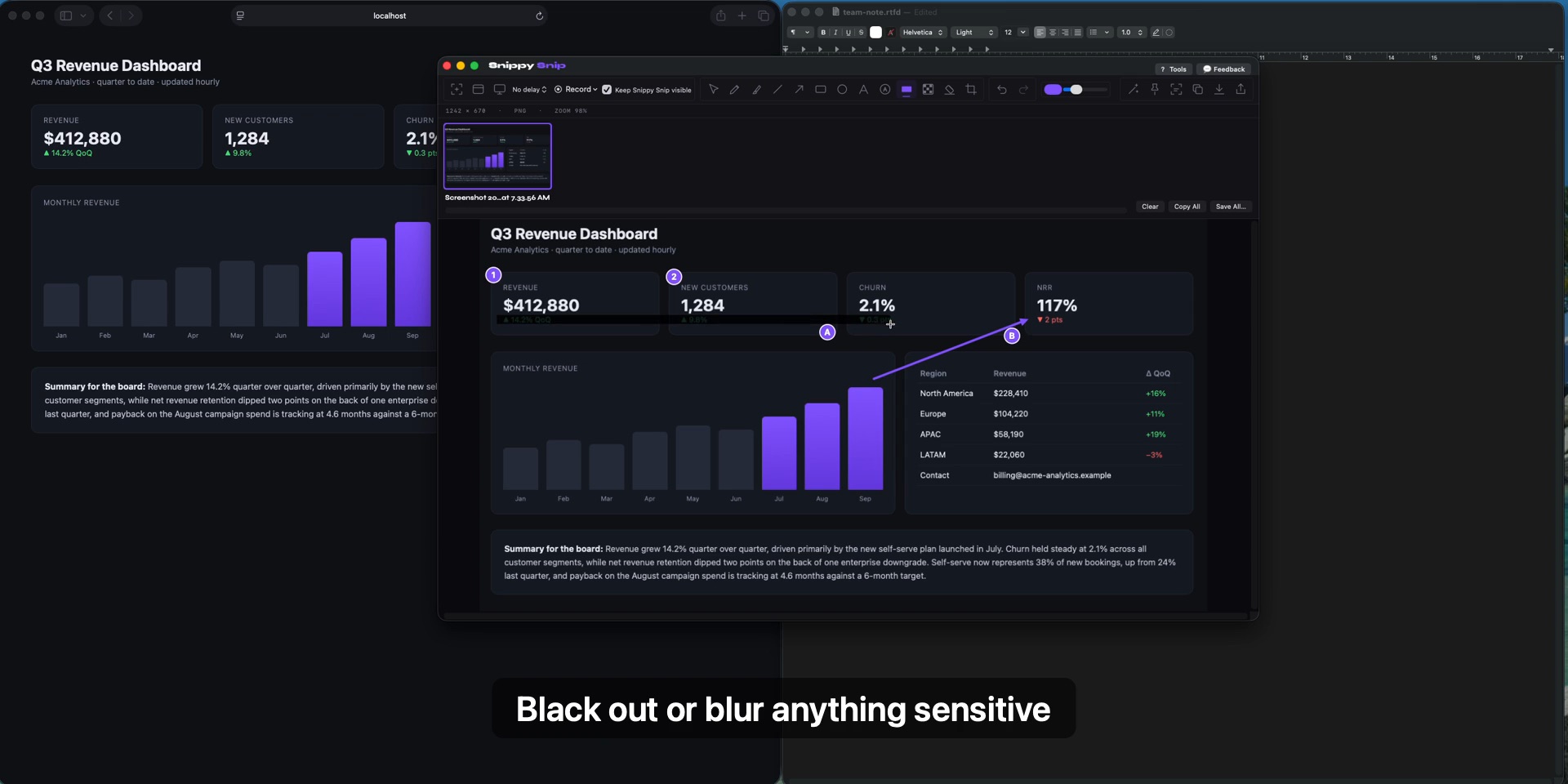
SnippySnip annotation editor with a captured screenshot marked up using highlighter, arrows, shapes, text, and redaction

Snap it. Snip it. Ship it.

Everything the Windows Snipping Tool taught you to expect — and everything Apple's built-in screenshot tool leaves out.

✂️

Instant snips from anywhere

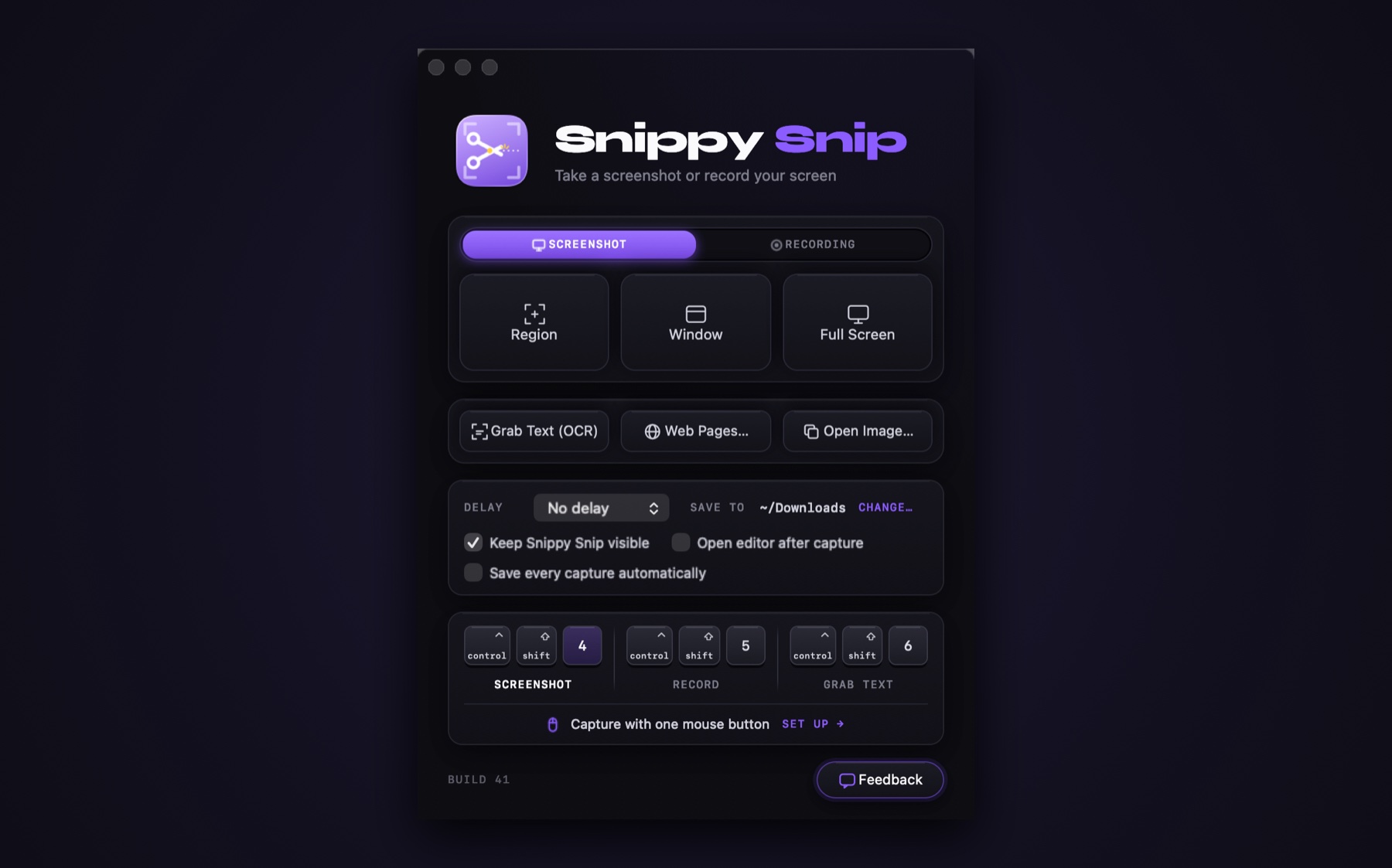
Press ⌃⇧4 — or a button on your mouse — and drag. Region, window, or full screen, with an optional 3/5/10-second timer.

🖍️

A real annotation editor

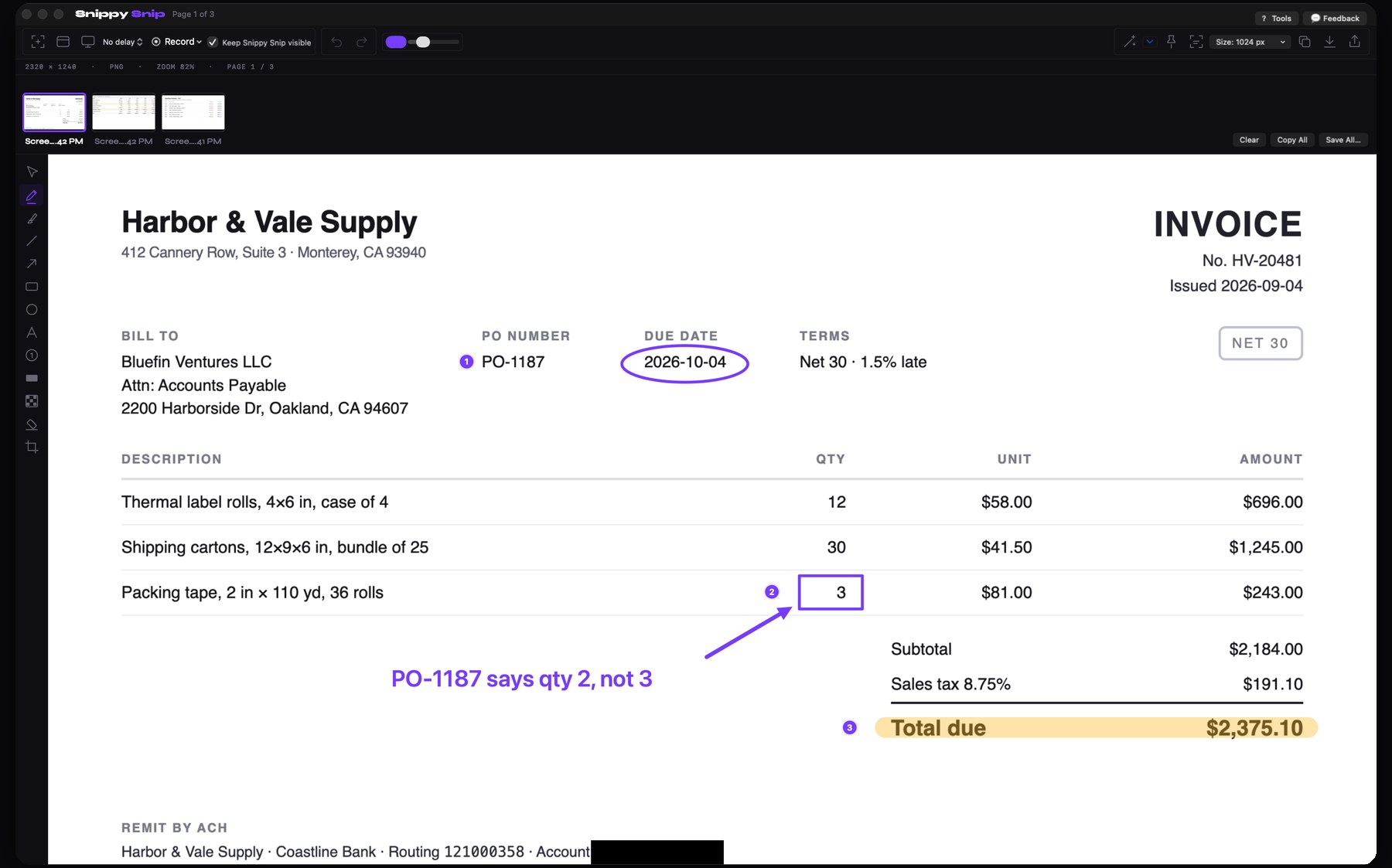
Every capture opens instantly for markup: pen, highlighter, arrows, shapes, text, numbered callouts — with full undo and zoom.

🎥

Screen recording built in

Record a region, a window, or the whole screen with your microphone and click highlights. A green frame shows exactly what's being captured.

📋

Paste-ready the instant you snip

The moment a capture opens, it's already on your clipboard. Switch straight to Mail, Slack, or a doc and paste — no copy button, no extra step.

🔄

The clipboard follows your edits

Add an arrow, highlight, redaction, or crop — the clipboard updates itself moments later. Whatever the editor shows is exactly what pastes.

Redact private info

Black-out boxes hide names, emails, and account numbers before a screenshot leaves your Mac.

💾

Save & share your way

Save as PNG or JPEG at full Retina quality, or send anywhere with the macOS share sheet — Mail, Messages, Notes, AirDrop.

🪶

Fast and native

A real Mac app — not a cross-platform port. Tiny footprint, instant launch, keyboard-first, and it respects your privacy: no telemetry.

Why not just use ⌘⇧5?

macOS ships with a basic screenshot utility. SnippySnip picks up where it stops.

What you getBuilt-in macOSSnippySnip
Region / window / full-screen capture
Opens instantly in a markup editor
Arrows, shapes, highlighter, callout textlimited
Redaction (black-out) tool
Snip lands on the clipboard automatically
Clipboard stays in sync as you annotate
Region recording with visible boundary
Mouse-button / custom hotkey trigger

One price. Yours forever.

Other tools charge $39 every year. SnippySnip Pro costs less than lunch — once.

Free

$0
  • Region, window & full-screen snips
  • Full annotation editor
  • Copy, save & share
  • Global hotkey
  • Free forever — no nags
Download coming soon

Organization

$250 one-time
  • Unlimited seats for your whole organization
  • One license, tied to your company's email domain
  • One invoice — no per-seat accounting, ever
  • Less than seven seats of the big guys' annual bill
  • Priority support
Coming soon

🚫 No subscription. No account required. No telemetry.

Questions, answered

Is this a subscription?

No — and it never will be. You pay once and the app is yours. Free minor and major updates are included for two years; after that, upgrades are optional and discounted.

What Macs does it run on?

Any Mac running macOS 13 Ventura or later, Apple Silicon or Intel. It's a small native app — quick to download, instant to launch.

What's in the free version?

All screenshot capture modes and the full annotation editor, free forever. The one-time Pro license adds screen recording, the capture timer, and priority support.

Do I have to press copy after taking a snip?

No — the image is on your clipboard the instant the capture opens, and it re-copies itself as you annotate. Draw an arrow, blur something out, crop — then just paste. The editor confirms it with a subtle "Copied to clipboard — stays in sync as you edit."

Can I trigger it from a mouse button?

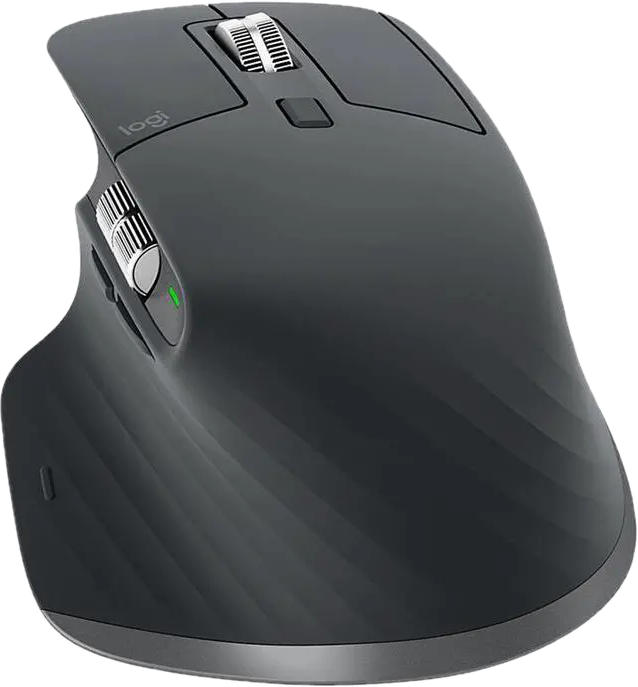
Yes — that's exactly how it was born. Assign your mouse button (e.g. in Logi Options+) to the keystroke ⌃⇧4 and every press starts a new snip; ⌃⇧5 starts and stops recordings.

Does it phone home?

No telemetry, no analytics, no account. Captures never leave your Mac unless you copy, save, or share them yourself.

When can I buy it?

Very soon — we're finishing Apple notarization and the checkout, and the site will open for sale the moment they're done. The $9.99 launch price will be live at opening. Questions in the meantime? Email hello@snippysnip.com.